












News


 电商部
电商部  2026-03-25 11:37:16
 Industrial SD Card Compatibility: How to Fix Detection and Performance Problems
Even high-quality industrial SD cards can encounter compatibility issues when paired with legacy or specialized equipment. Understanding the root causes—and how to resolve them—saves time and prevents field failures.
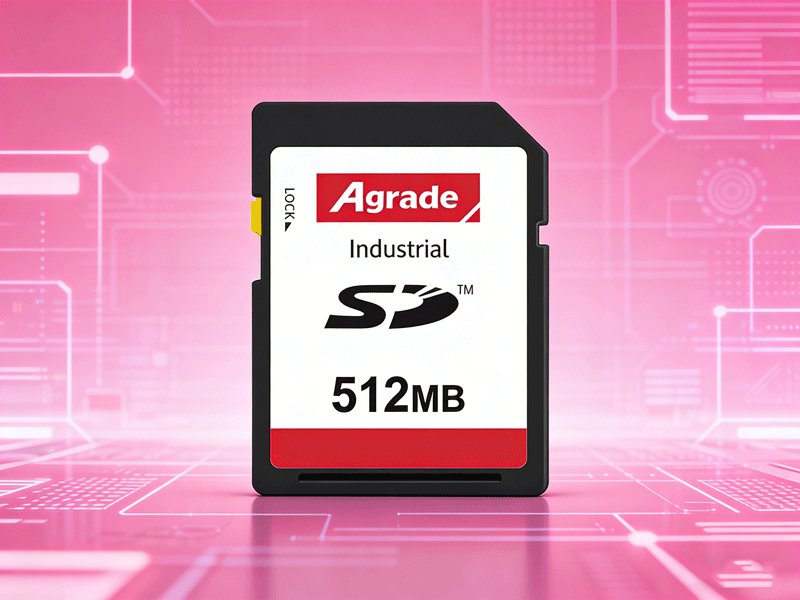
1. Protocol and Capacity Mismatches
SD standards have evolved: SD (up to 2GB), SDHC (2GB–32GB), and SDXC (32GB–2TB). Older industrial equipment may only support SD or SDHC.
Solution: Consult the device manual for maximum supported capacity. If the manual states “SDHC,” do not use an SDXC card.
Bus Mode: Some devices only support the Default Speed mode (up to 25MB/s) and may not recognize UHS-I cards correctly. Use a card that can fall back to Default Speed, or select a non-UHS card if available.
2. Voltage Compatibility
Industrial systems often use 3.3V signaling exclusively. Modern SD cards support both 3.3V and 1.8V, but a card that requires 1.8V during initialization may not work in a 3.3V-only slot.
Solution: Measure the VDD pin on the slot. If it is 3.3V, choose cards explicitly marked as 3.3V-compatible. High-quality industrial cards typically support both voltages.
3. Firmware and CID Requirements
Some proprietary systems—notably Siemens PLCs, certain CNC controllers, and medical imaging devices—check the Card Identification (CID) register. They only boot from cards with a specific manufacturer ID, product name, or serial number range.
Solution A (Cloning): Use disk imaging software like WinHex to clone the original card sector-by-sector, preserving the CID and partition layout.
Solution B (Custom Firmware): Contact the industrial card supplier with the original card’s CID dump; they can program a new card with matching identifiers.
4. Performance Degradation
If a card is recognized but runs slower than expected:
Check if the host controller is limiting to Default Speed.
Ensure the card’s partition is aligned to 4KB boundaries for optimal small-file performance.
Update the host device’s firmware; sometimes manufacturers release compatibility updates for newer storage media.
By systematically working through protocol, voltage, and firmware layers, most compatibility issues can be resolved without replacing the host device.

-
Products
Advantages
-
Solutions
-
News
About us
-
Contact us
Tel:+86 19926658803
Whatsapp:+86 19926658803
lianle1210@163.com
Address: 30CF, Caihong Building, Caihong Road, Futian District, Shenzhen City, Guangdong Province, China


Friendly Links:
