













News


 电商部
电商部  2025-12-23 11:49:38
 DDR4 RAM for Old PC Upgrades 2025: Revive Your Aging Computer
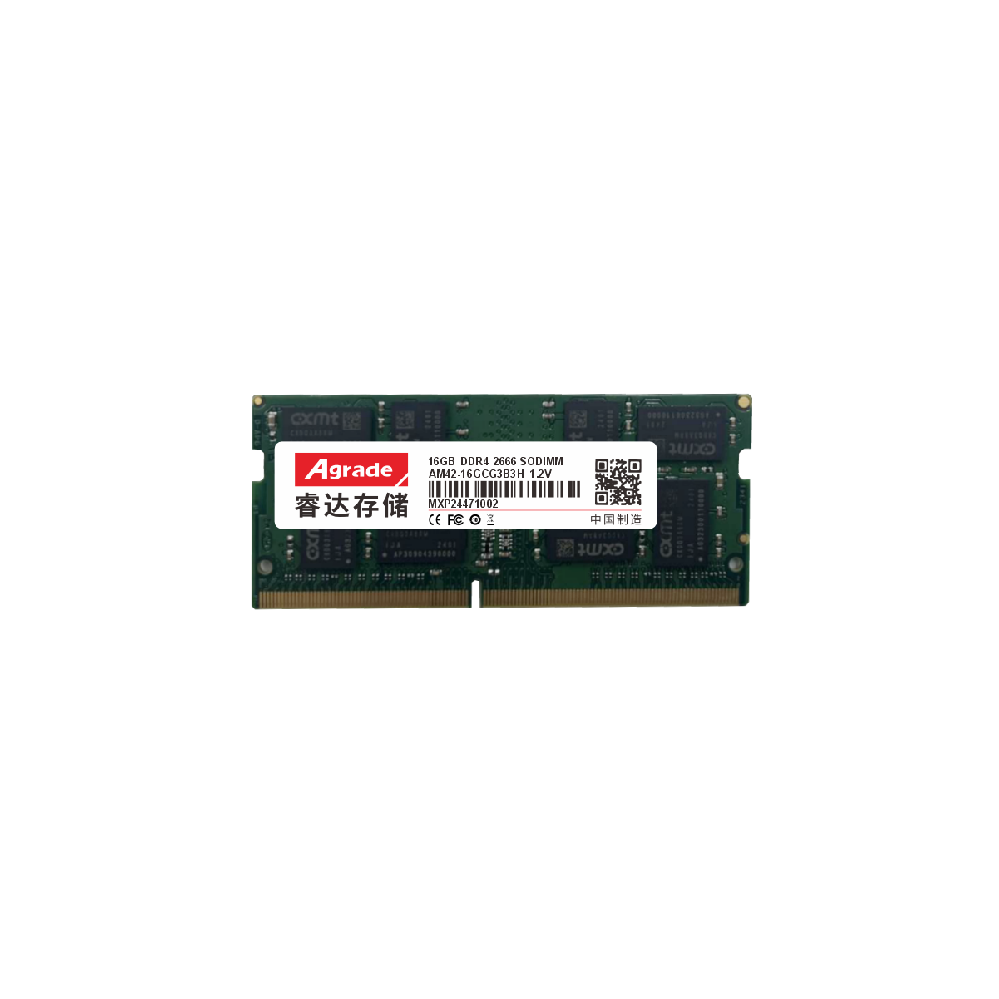
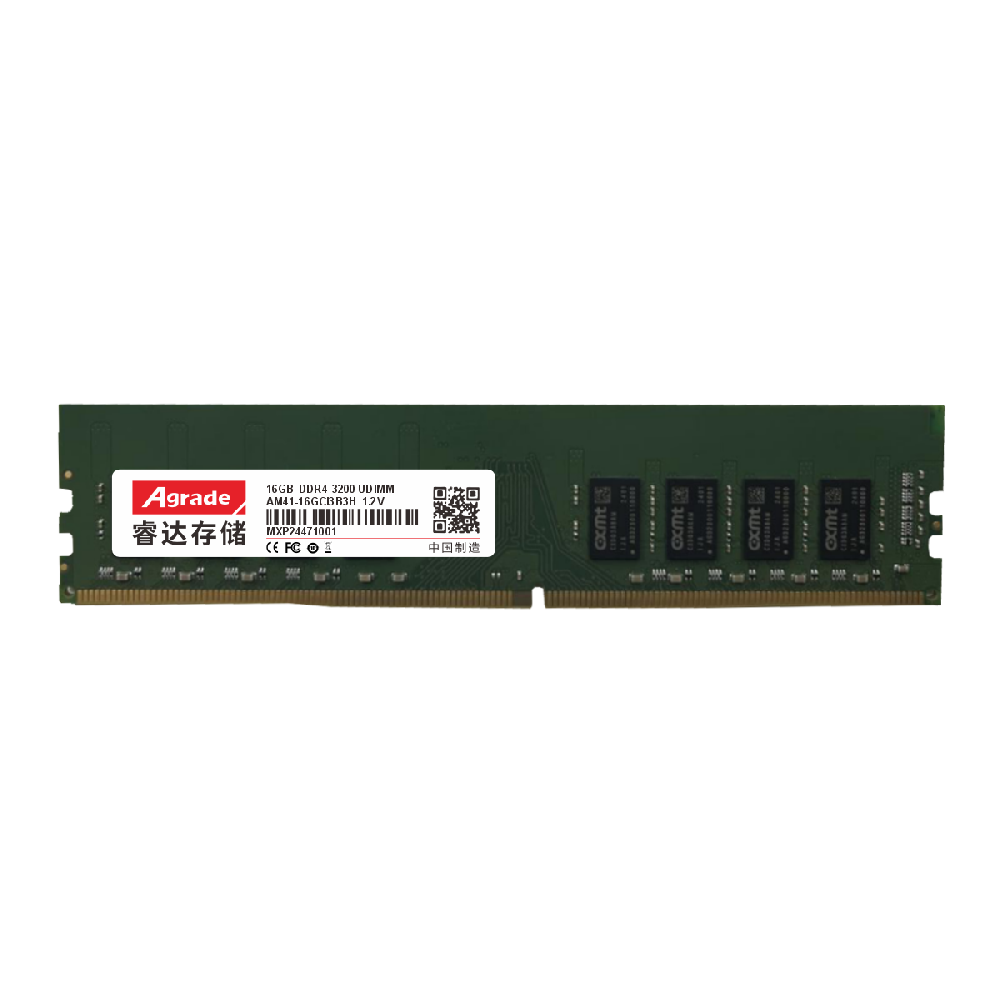
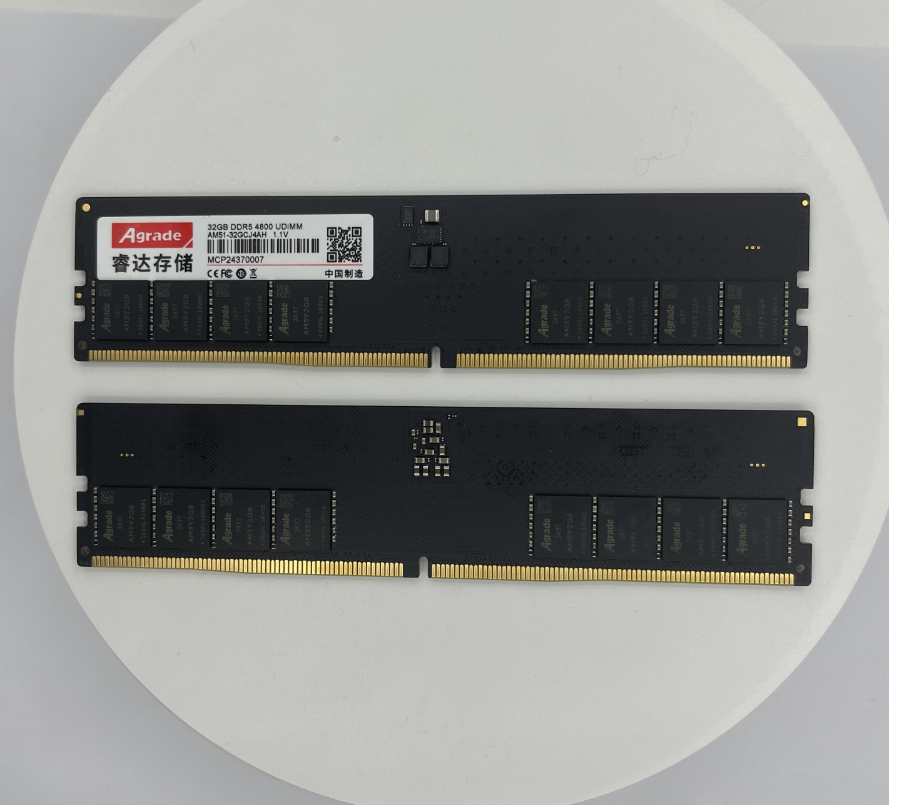
Many old PCs (released between 2015-2020) are equipped with DDR4-compatible motherboards but have insufficient RAM (e.g., 4GB or 8GB), leading to slow performance and poor multi-tasking capabilities. Upgrading DDR4 RAM is one of the most cost-effective ways to revive these aging computers, avoiding the need to purchase a new PC. This article guides you through the process of upgrading DDR4 for old PCs and recommends suitable modules.
First, confirm your old PC’s DDR4 compatibility. Check the motherboard model (you can find it in the BIOS or using tools like CPU-Z) and visit the manufacturer’s official website to confirm the maximum RAM capacity, supported frequency, and number of slots. For example, Intel B460 motherboards typically support up to 64GB DDR4 2933MHz, while AMD B450 motherboards support up to 64GB DDR4 3200MHz. It is important to choose DDR4 modules that match the supported frequency; using higher-frequency modules will not damage the system but will run at the motherboard’s maximum supported frequency.
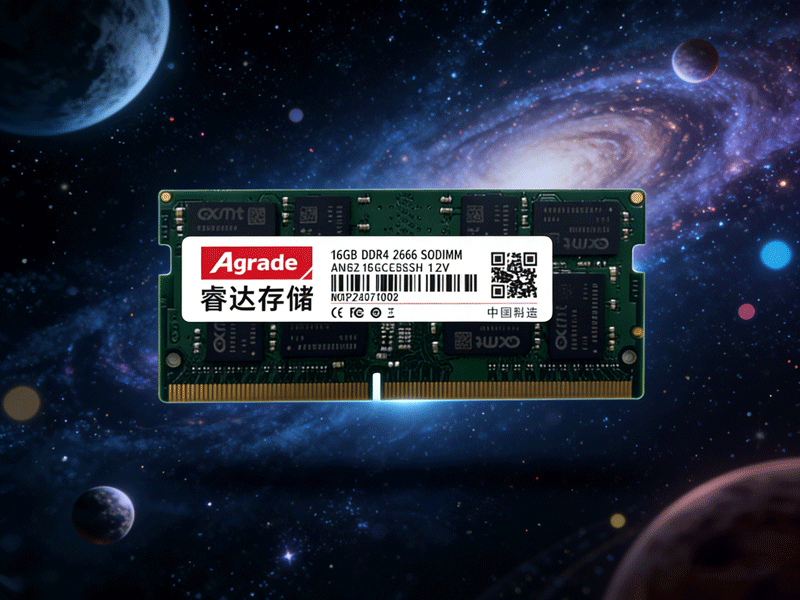
Choose the right capacity and configuration. For old PCs used for daily office work, web browsing, or streaming, upgrading to 16GB (8GB×2) dual-channel DDR4 is sufficient to eliminate lag. For users who run light design software or older games, 32GB (16GB×2) is recommended. Avoid mixing different brands, frequencies, or timings of RAM, as this can cause compatibility issues. If your PC has only one RAM slot, choose a single high-capacity module (e.g., 16GB or 32GB) for future expansion.
Top DDR4 recommendations for old PC upgrades: 1. ADATA XPG Z1 DDR4 3200MHz (8GB×2) Kit. This kit is affordable, reliable, and compatible with most old DDR4 motherboards. It supports XMP 2.0, runs at 3200MHz with CL16 timing, and has a simple heat spreader for heat dissipation. It is perfect for office and home use, providing smooth multi-tasking performance. 2. TeamGroup Elite DDR4 2666MHz (16GB×2) Kit. This kit is designed for budget users, with stable performance and a low price. It runs at 2666MHz (compatible with older motherboards that do not support high frequencies) and has CL19 timing. It is compatible with Intel and AMD old platforms, making it a versatile choice for old PC upgrades. 3. Patriot Viper 3 DDR4 3600MHz (16GB×2) Kit. For old gaming PCs, this kit offers high performance with 3600MHz frequency and CL18 timing. It supports XMP 2.0 and has a durable heat spreader, ensuring stable operation during gaming.
Upgrade process: 1. Back up important data to avoid loss in case of unexpected issues. 2. Shut down the PC, disconnect the power supply, and open the case. 3. Locate the RAM slots on the motherboard, press the clips on both sides of the slot to release the existing RAM (if any). 4. Align the notch on the DDR4 module with the notch in the slot, insert it at a 45-degree angle, and press down until the clips lock into place. 5. Close the case, reconnect the power, and turn on the PC. Use CPU-Z to verify that the RAM is recognized correctly and running at the correct frequency.
After upgrading, you will notice a significant improvement in performance: faster boot times, smoother multi-tasking, and no more lag when opening multiple browser tabs or office applications. Upgrading DDR4 RAM can extend the service life of your old PC by 2-3 years, saving you the cost of buying a new computer.

-
Products
Advantages
-
Solutions
-
News
About us
-
Contact us
Tel:+86 19926658803
Whatsapp:+86 19926658803
lianle1210@163.com
Address: 30CF, Caihong Building, Caihong Road, Futian District, Shenzhen City, Guangdong Province, China


Friendly Links:
