












News


 Agrade Storage Editorial Team
  2026-05-18 16:02:33
 Industrial DOM vs SSD: Choosing the Right Boot Drive for Reliability
Introduction: The Critical Role of the Boot Drive in Industrial Systems
In industrial computing, the boot drive is the first component accessed when a system powers on. It must load the operating system, initialize drivers, and establish a stable foundation for all subsequent operations. Unlike consumer-grade drives that prioritize speed and cost, industrial boot drives must deliver unwavering reliability under extreme temperatures, vibration, and power fluctuations. Two popular form factors dominate this space: Industrial Disk-on-Module (DOM) and Industrial Solid-State Drives (SSD). Choosing between them can significantly impact system uptime, maintenance cycles, and total cost of ownership. This article provides a technical comparison of industrial DOM vs SSD for boot drive applications, with specific guidance on when to deploy each. We draw on decades of expertise from Agrade Storage, a leader in industrial storage solutions, to help you make an informed decision.
What is an Industrial DOM?
An Industrial Disk-on-Module (DOM) is a compact, embedded storage device that connects directly to a motherboard via a standard SATA or PATA interface. It is essentially a NAND flash module mounted on a small PCB with a male connector that plugs into the motherboard header. The key characteristics of an industrial DOM include:
- Form factor: Very small (typically 44-pin or 7+15 pin SATA), no cables required.
- Power consumption: Extremely low, often under 1W during operation.
- Mounting: Directly attached to motherboard, resistant to vibration and shock.
- Capacity: Usually limited to 8GB to 128GB, optimized for OS boot images.
- Interface: SATA III (6 Gbps) or PATA, with native command queuing support.
Industrial DOMs are purpose-built for applications where space is at a premium and the drive must survive continuous operation in harsh conditions. Agrade Storage offers a range of industrial DOM products with wide temperature support (-40C to +85C) and advanced wear-leveling algorithms.
What is an Industrial SSD?
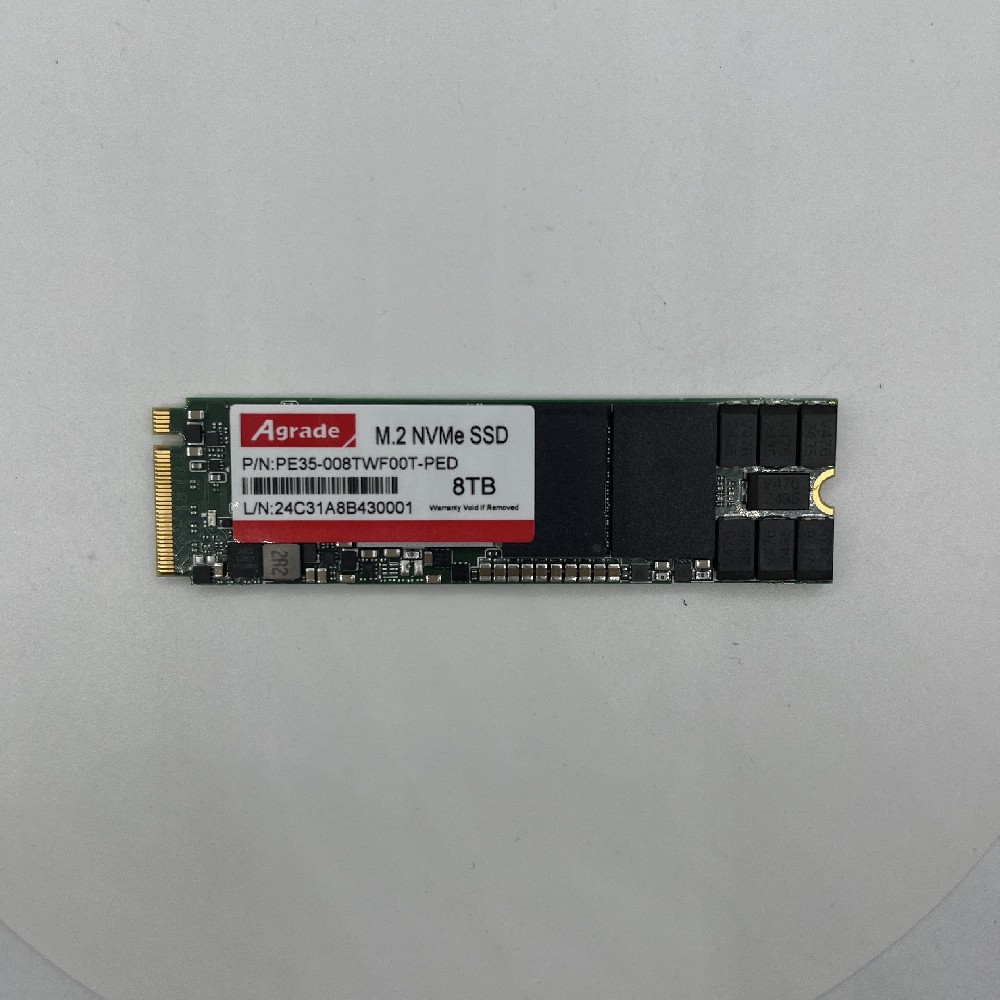
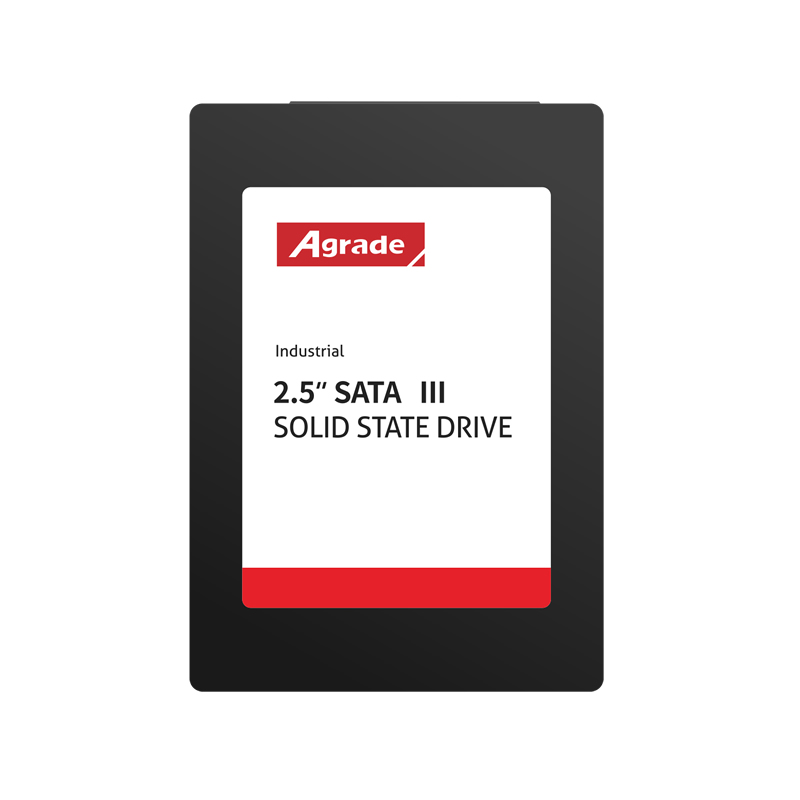
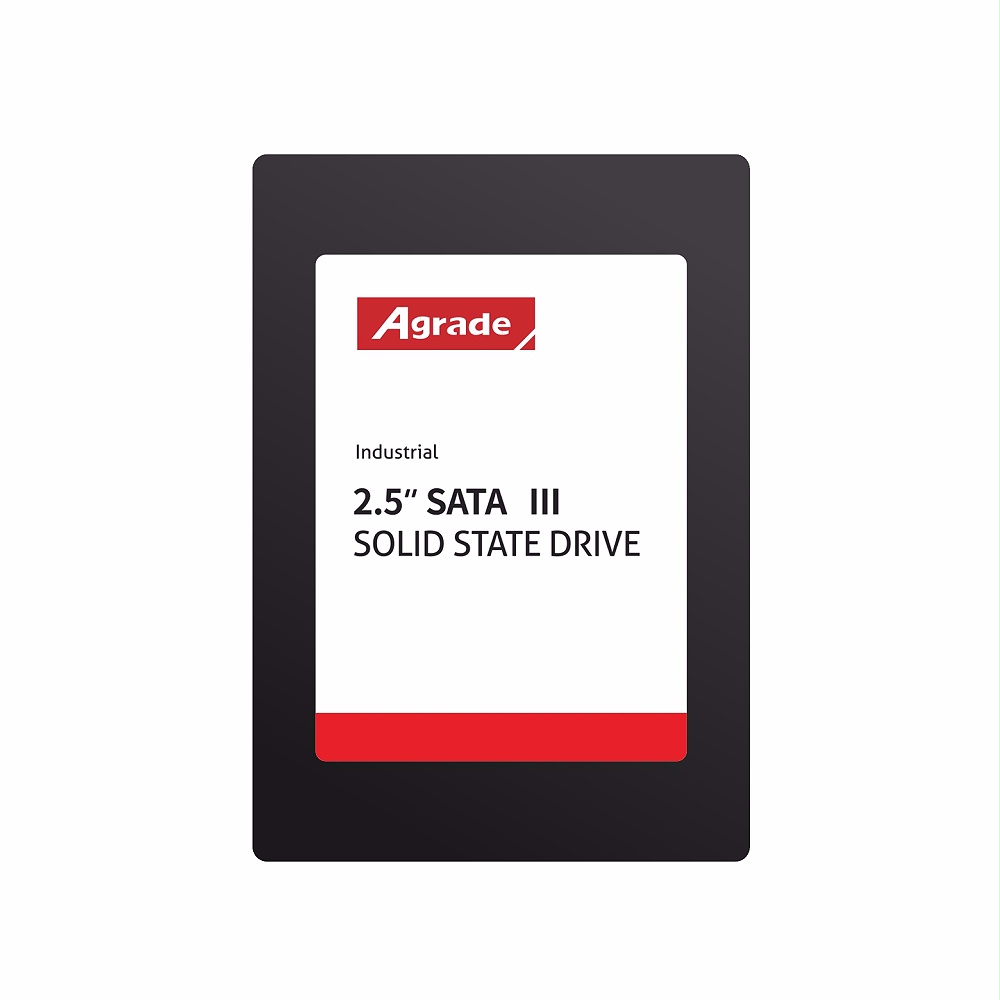
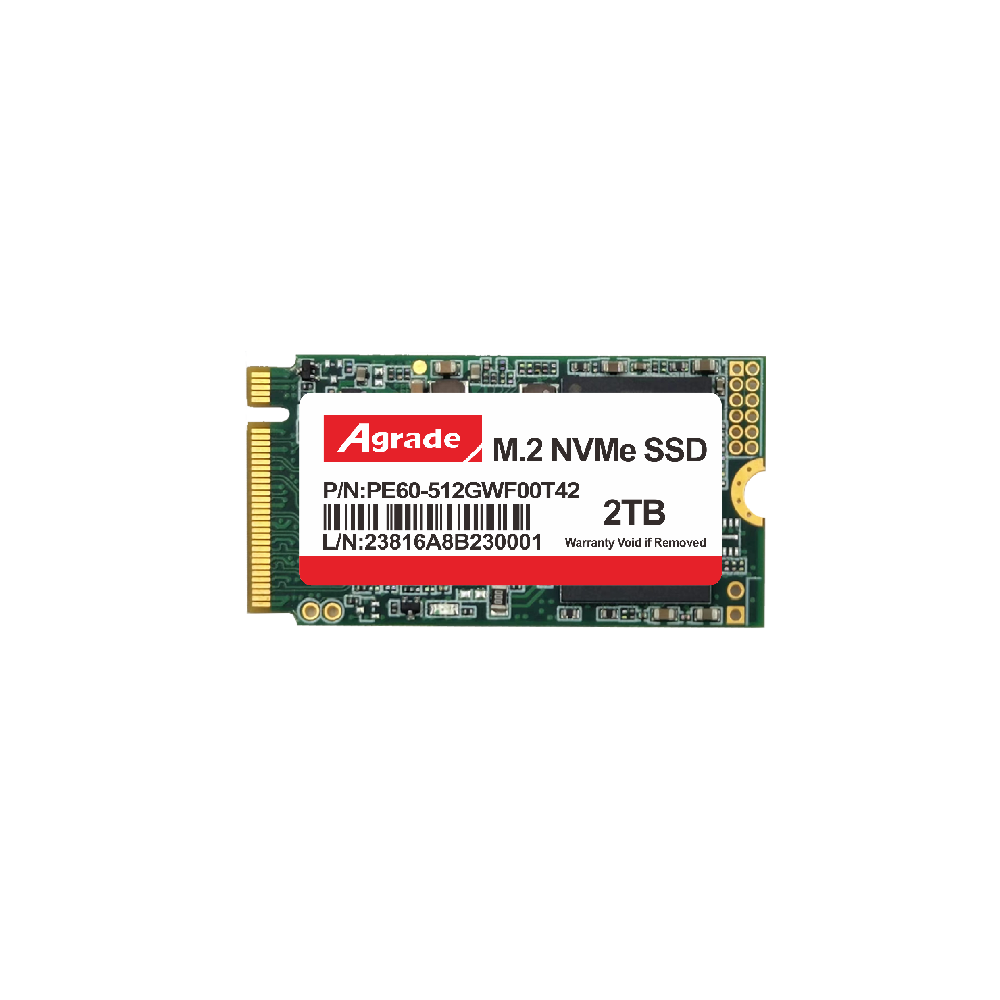
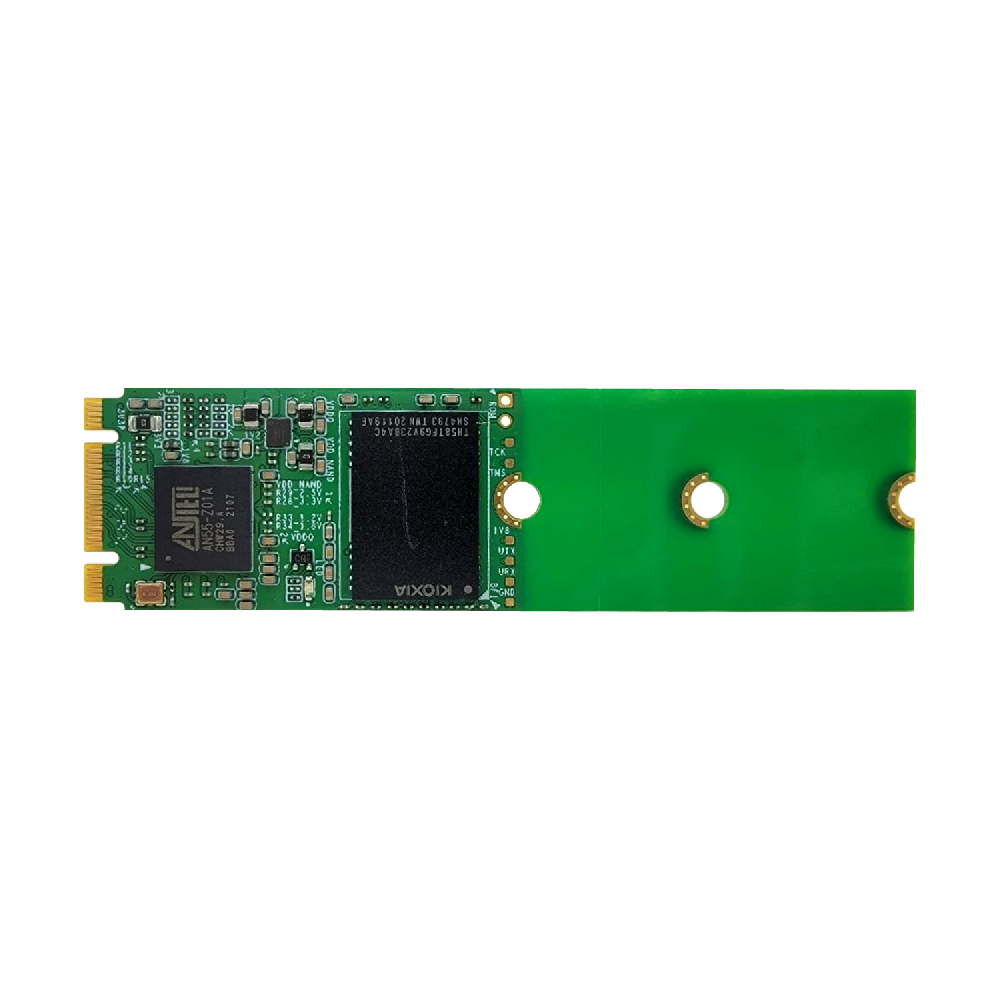
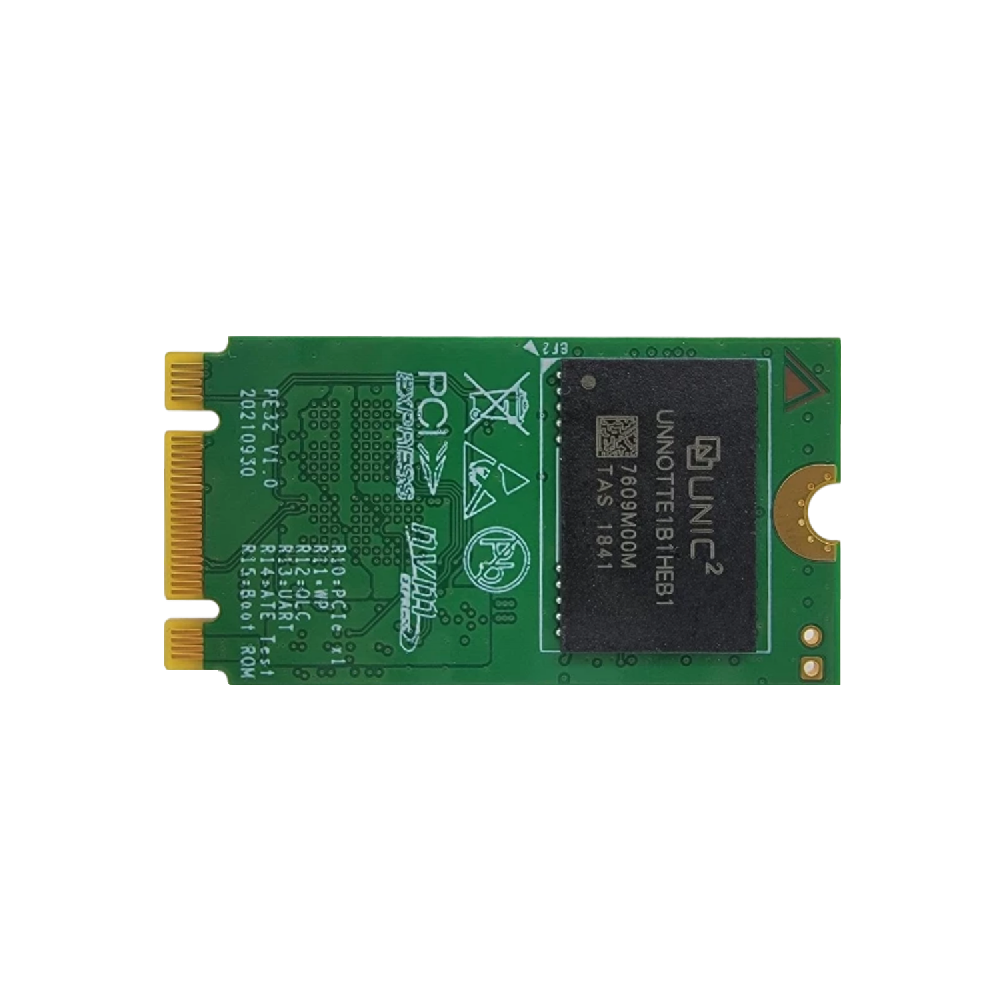
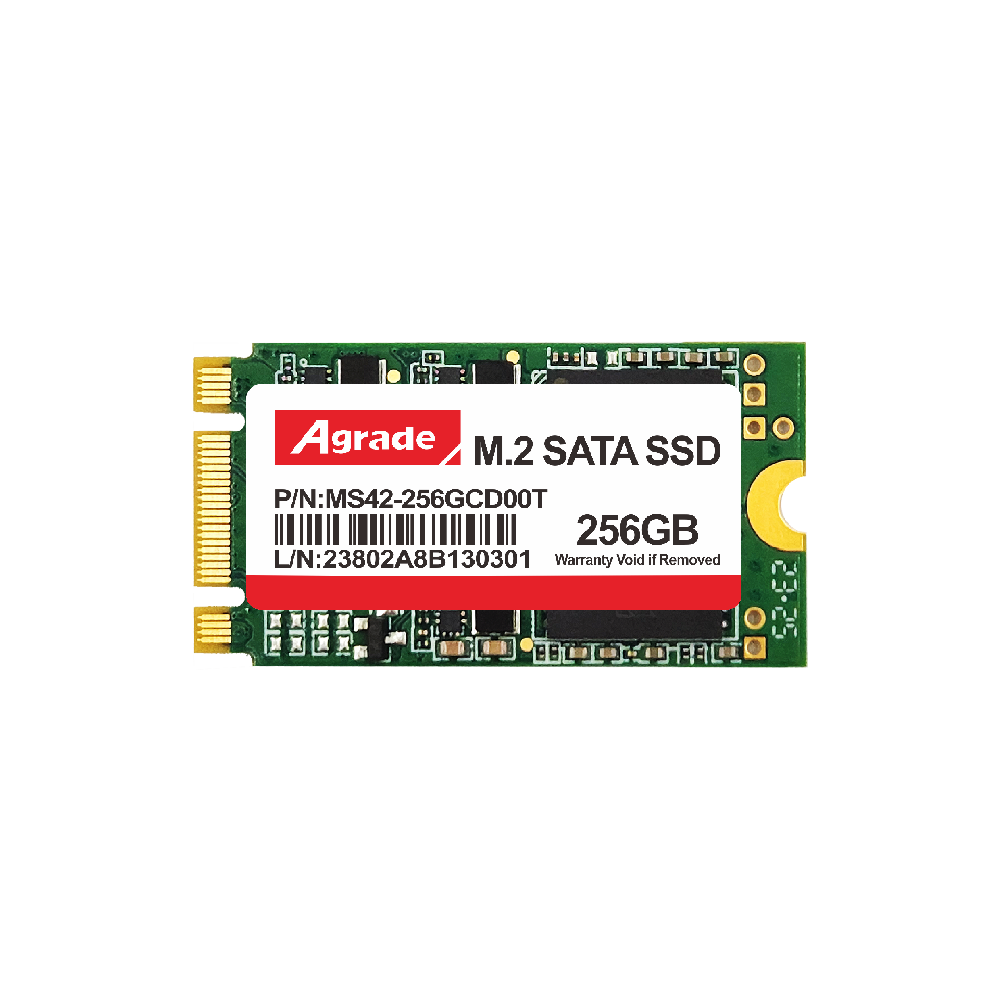
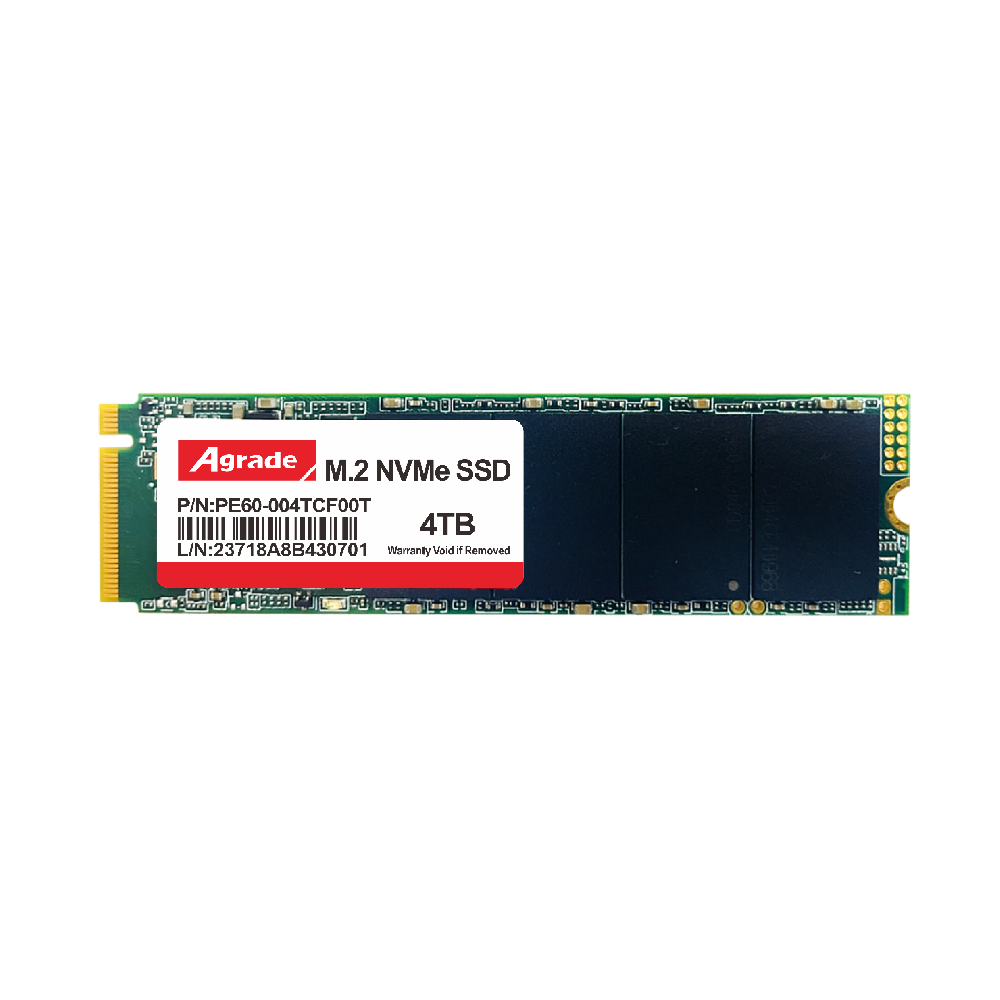
An industrial Solid-State Drive (SSD) uses the same NAND flash technology as a DOM but is packaged in a standard 2.5-inch or M.2 form factor. Industrial SSDs are designed for higher storage capacities (from 32GB up to several terabytes) and faster sequential read/write speeds. They include a controller, DRAM cache, and multiple NAND packages on a single board. Key attributes of an industrial SSD include:
- Form factor: 2.5-inch SATA, M.2 SATA, or M.2 NVMe.
- Capacity: Ranges from 32GB to 4TB or more.
- Performance: Sequential reads up to 560 MB/s for SATA, and over 3500 MB/s for NVMe.
- Endurance: Higher TBW (Terabytes Written) ratings compared to consumer SSDs.
- Environment: Industrial-grade components, conformal coating, and vibration resistance.
Industrial SSDs are ideal for systems that require both a boot drive and data storage, or where high-speed data logging is needed. Agrade Storage industrial SSDs feature power-loss protection and advanced ECC for data integrity.
Key Differences: DOM vs SSD for Boot Drive Applications
1. Physical Installation and Space Constraints
Industrial DOMs consume negligible space since they plug directly into a motherboard SATA header. This eliminates cables and mounting brackets, making them ideal for embedded systems, thin clients, and single-board computers. In contrast, an industrial SSD typically requires a dedicated drive bay, bracket, or M.2 slot, which adds bulk and potential points of failure from loose connectors. For boot-only applications in space-constrained environments, the DOM is the clear winner.
2. Reliability and Vibration Resistance
Because an industrial DOM is soldered (via connector) directly to the motherboard, it cannot be dislodged by vibration or shock. This makes it the preferred choice for transportation, military, and heavy machinery applications. Industrial SSDs, while rugged, still rely on connectors that can loosen over time in high-vibration settings. Agrade Storage tests both DOM and SSD products to MIL-STD-810G standards, but the DOM's fixed mounting gives it an inherent reliability advantage.
3. Power Consumption and Thermal Performance
Industrial DOMs typically consume 0.5 to 1.5 watts, generating minimal heat. This is critical for passive-cooled systems or environments with limited airflow. Industrial SSDs, especially NVMe models, can draw 3 to 8 watts under load, requiring thermal management. For systems that run 24/7 in high-temperature factories, the lower heat output of a DOM improves overall system stability.
4. Performance: Sequential vs Random I/O
Both industrial DOMs and SSDs deliver excellent random I/O performance for boot workloads. However, industrial SSDs offer superior sequential read/write speeds, which benefits large file transfers or OS image updates. If the system will frequently write logs or cache data to the boot drive, an SSD may be preferable. For a static OS boot image with occasional configuration writes, a DOM is sufficient and often more reliable.
5. Capacity and Cost
Industrial DOMs top out at around 128GB, while SSDs can scale to terabytes. For boot-only systems, 16GB to 64GB is typically enough, making DOMs cost-effective. If the same drive must also store application data or databases, an industrial SSD is necessary. Agrade Storage offers a range of capacities in both formats to match specific task requirements.
Practical Applications: When to Choose Each
Industrial DOM – Best Use Cases
- Embedded single-board computers (e.g., PC/104, Pico-ITX) where space is minimal.
- Network appliances and routers that boot a lightweight OS.
- Automotive infotainment or telematics units subject to constant vibration.
- Military and aerospace systems requiring extreme temperature tolerance.
- Legacy system upgrades where PATA interface is still needed.
Industrial SSD – Best Use Cases
- Edge servers and industrial PCs that run virtual machines or containerized applications.
- Data logging systems that write large volumes of sensor data locally.
- AI inference nodes requiring high-speed storage for model loading.
- Medical imaging equipment with large image buffers.
- Any system where the boot drive also serves as primary data storage.
Why Agrade Storage is Your Trusted Partner for Industrial Boot Drives
At Agrade Storage, we understand that a boot drive failure can halt production lines, disrupt critical infrastructure, and incur costly downtime. Our industrial storage portfolio includes both DOM and SSD solutions designed from the ground up for harsh environments. All products feature industrial-grade controllers, selected NAND flash (SLC, pSLC, or 3D TLC), and rigorous testing for temperature cycling, shock, and humidity. We offer customization services including firmware tuning, write-protect features, and specific form factors to match your motherboard layout. When you choose Agrade Storage, you gain a partner who ensures your boot drive will operate reliably for years, not months.
Conclusion: Making the Right Choice for Your System
The decision between an industrial DOM and an industrial SSD as a boot drive ultimately depends on your system's physical constraints, environmental conditions, and performance requirements. For compact, vibration-prone, or thermally limited applications where only the OS needs to boot, an industrial DOM from Agrade Storage provides unmatched reliability. For systems demanding higher capacity, faster data transfers, or combined boot/data functionality, an industrial SSD is the logical choice. Evaluate your workload profile, available space, and operating temperature range. If in doubt, consult with Agrade Storage engineers who can recommend the optimal industrial storage solution tailored to your specific industrial application. Invest in the right boot drive today to ensure tomorrow's uptime.

-
Products
Advantages
-
Solutions
-
News
About us
-
Contact us
Tel:+86 19926658803
Whatsapp:+86 19926658803
lianle1210@163.com
Address: 30CF, Caihong Building, Caihong Road, Futian District, Shenzhen City, Guangdong Province, China


Friendly Links:
