














News


 电商部
电商部  2026-02-02 12:01:29
 Common Faults and Troubleshooting for Wide Temperature CF Cards
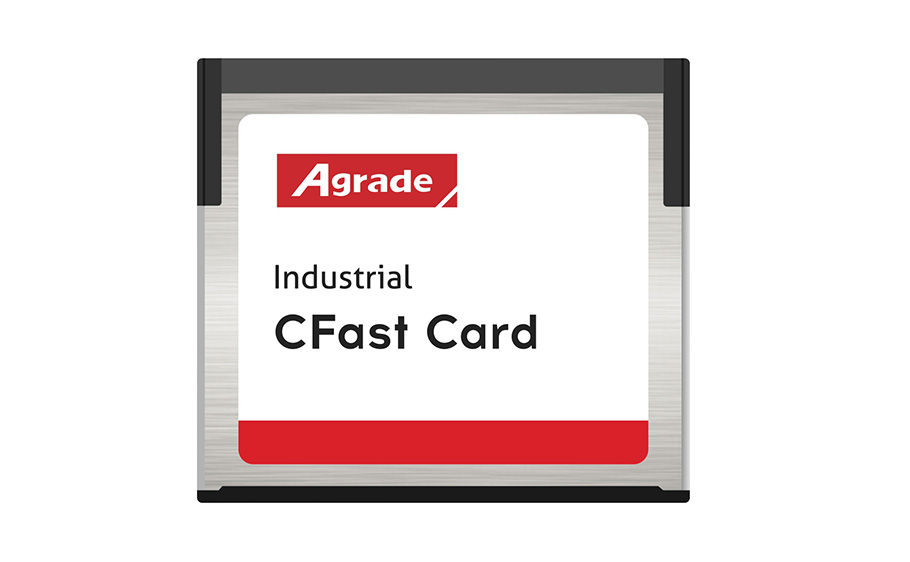
Despite their industrial-grade durability and temperature resistance, wide temperature CF cards may experience faults after long-term operation in harsh environments, including read/write failures, recognition issues, and data corruption. Most faults stem from improper temperature adaptation, poor contact, or firmware anomalies. Mastering common troubleshooting methods can improve maintenance efficiency, reduce downtime, and extend card lifespan.

Recognition failure is the most common issue, caused by two main factors. Poor contact often results from oxidation of the card’s metal contacts (due to extreme temperatures) or loose/dusty device card slots, interrupting signal transmission. To troubleshoot, power off the device, remove the CF card, wipe the contacts with a dry, soft cloth to remove oxidation and dust, then reinsert firmly. Avoid hot swapping to prevent component damage. Compatibility issues are another cause—verify the card’s specifications match the device, and update device drivers and card firmware to resolve protocol mismatches.
Reduced read/write speeds or data corruption are typically linked to temperature exceeding the card’s operating range or flash memory aging. If the environment temperature is outside the specified range, adjust the device’s operating conditions or replace the card with a higher-temperature model. Flash memory aging causes write failures and data loss—use professional software to test card health, back up critical data, and replace the card to prevent further issues. Regularly clean the device’s card slot to reduce contact-related faults.
Data loss, the most severe fault, usually results from unexpected power outages or firmware crashes. While wide temperature CF cards include error correction capabilities, extreme conditions can still cause data damage. Implement power failure protection for industrial equipment and regularly back up data to create redundancy. If data loss occurs, stop writing to the card immediately and use professional data recovery software to minimize permanent loss. Regular firmware updates can also reduce the risk of such faults.

-
Products
Advantages
-
Solutions
-
News
About us
-
Contact us
Tel:+86 19926658803
Whatsapp:+86 19926658803
lianle1210@163.com
Address: 30CF, Caihong Building, Caihong Road, Futian District, Shenzhen City, Guangdong Province, China


Friendly Links:
