















News


 电商部
电商部  2026-03-18 16:48:07
 Installation & Compatibility Guide for Wide Temperature mSATA SSDs
Installing a Wide Temperature mSATA SSD is straightforward and requires no specialized technical skills, thanks to its plug-and-play design and standard mSATA form factor. Whether upgrading embedded systems, industrial PCs, or compact hardware, following basic installation and compatibility steps ensures seamless setup and long-term stability. This guide covers sizing, installation, compatibility checks, and post-install tips for optimal performance.
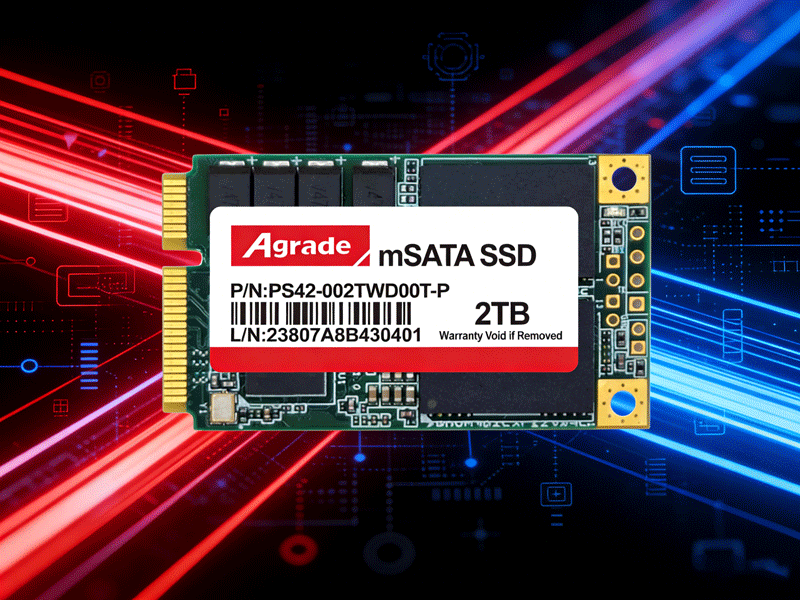
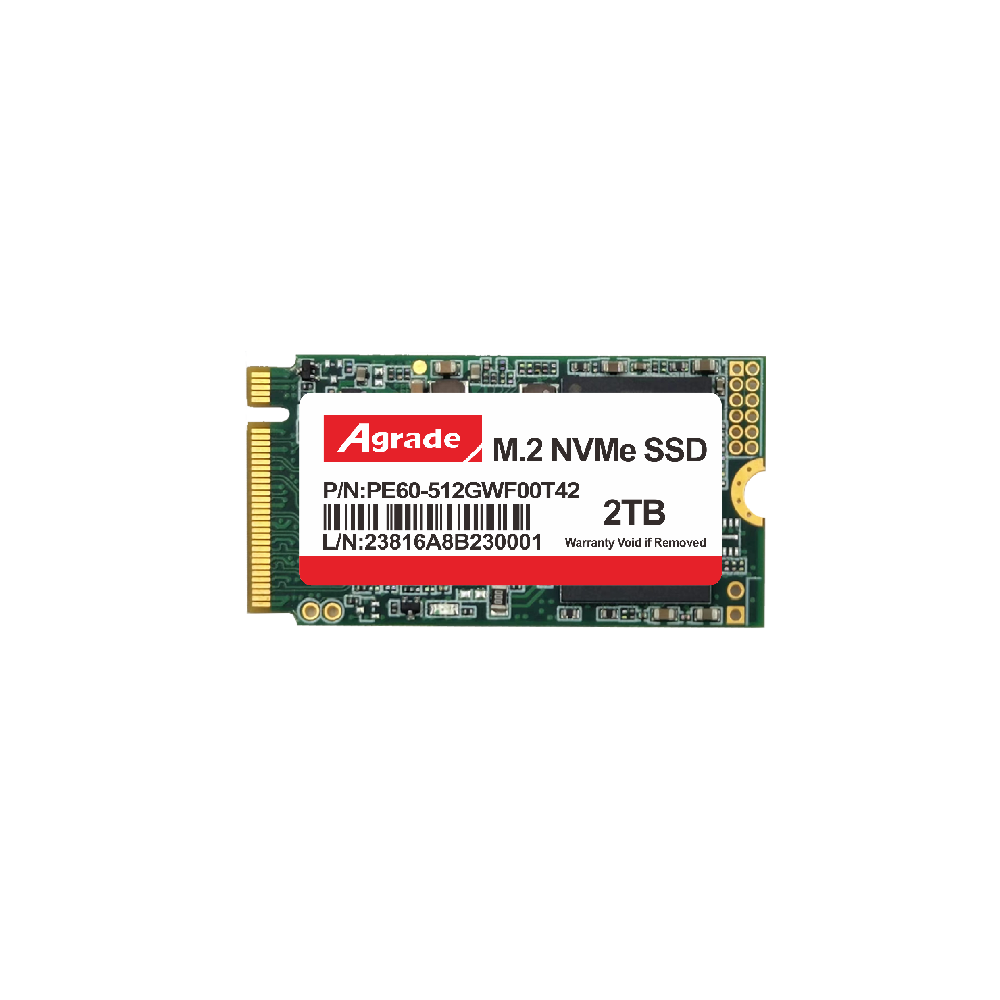
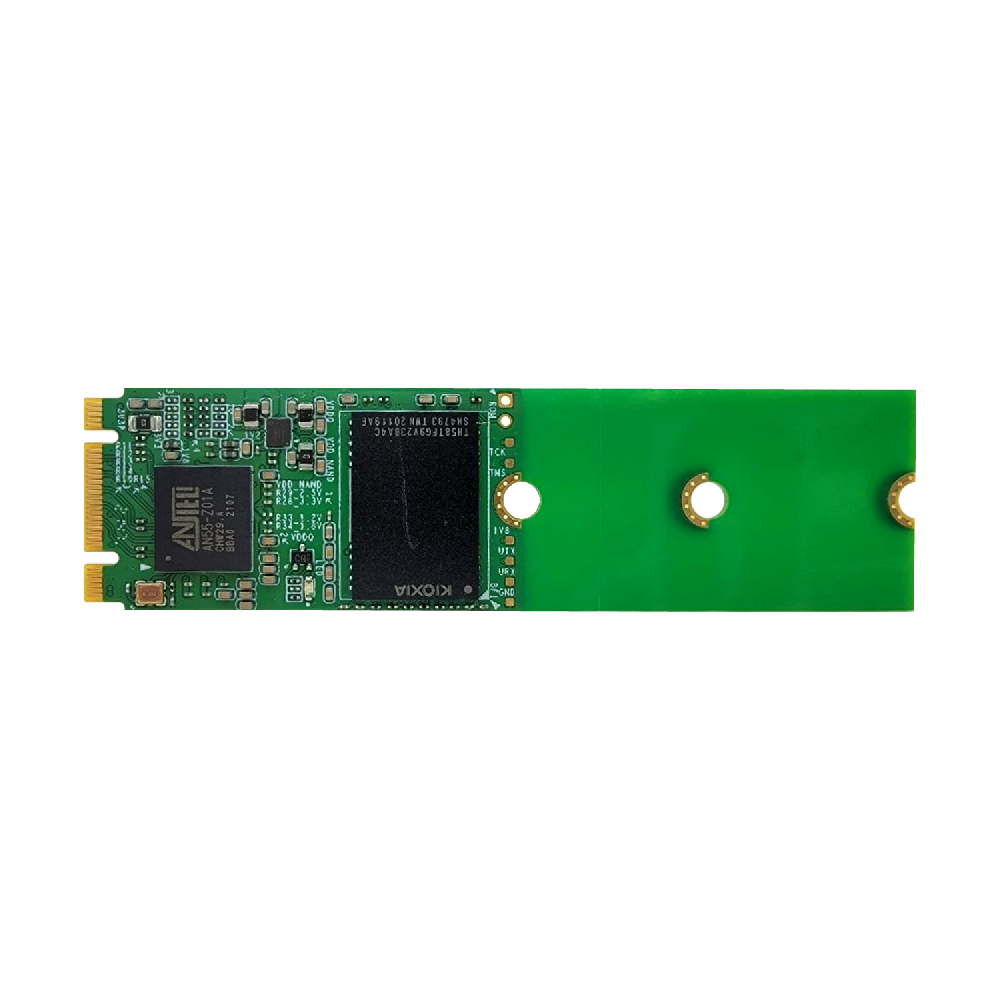
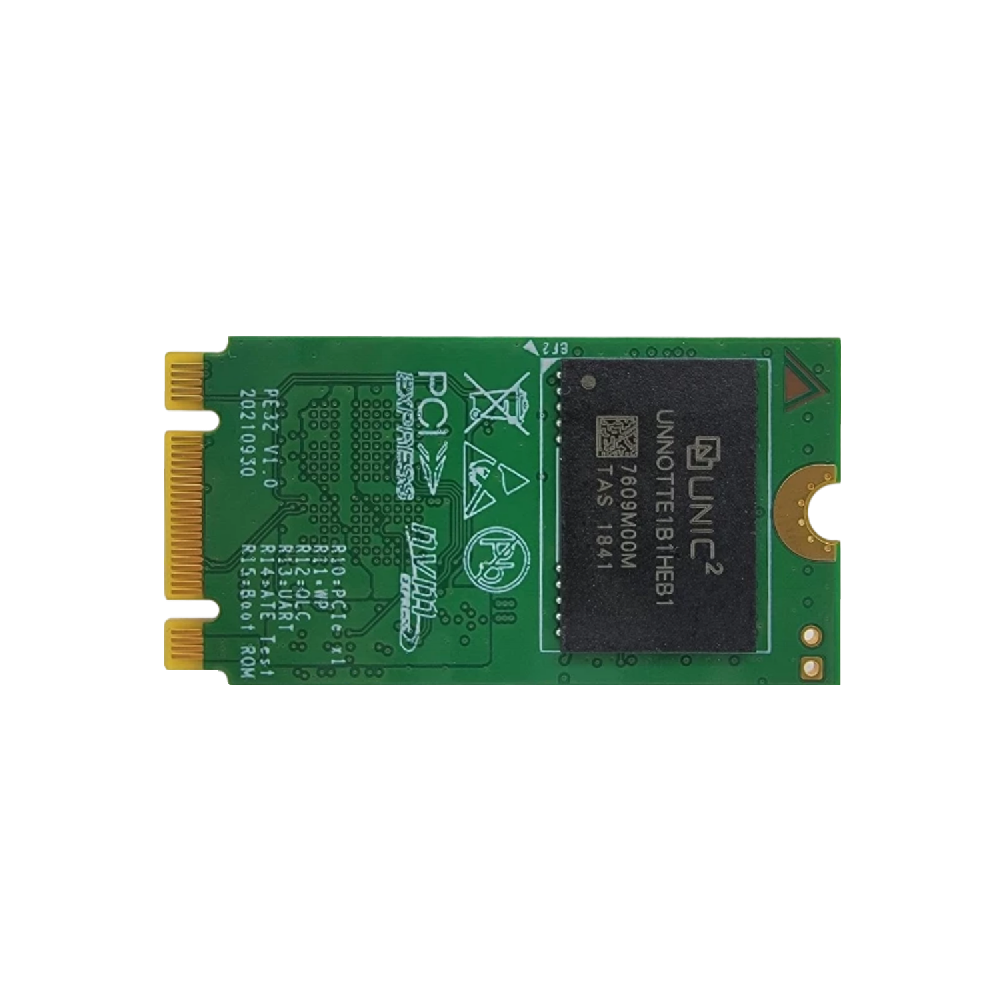
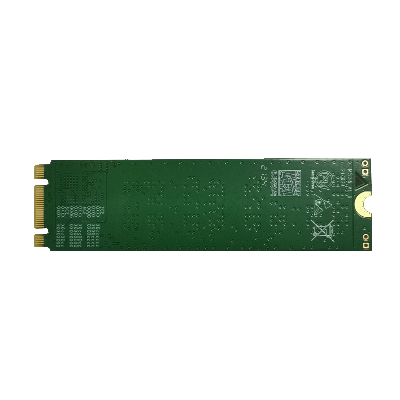
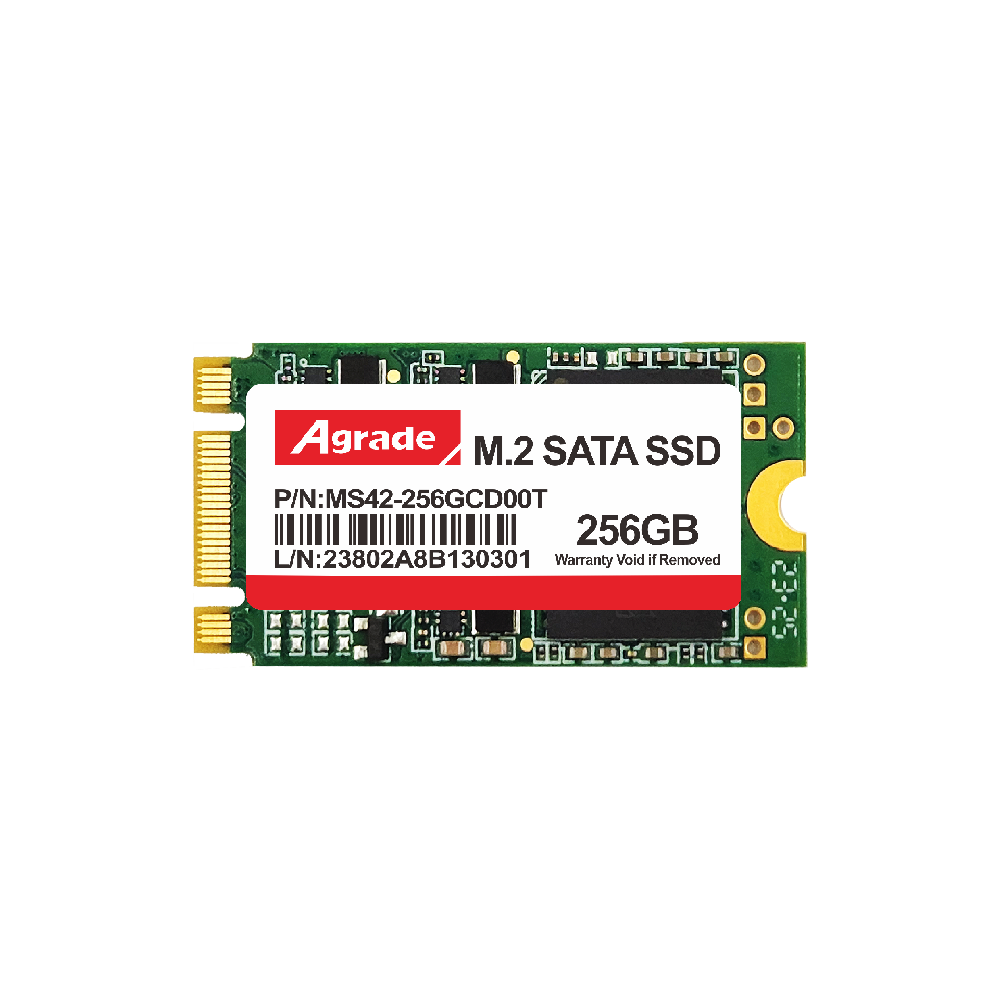
First, confirm the physical form factor compatibility: mSATA drives come in full-height (50.8×29.85mm) and half-height (26.8×29.85mm) sizes. Measure your device’s mSATA slot to select the correct size, as mismatched dimensions will not fit properly. Before installation, power off the host device and disconnect all power sources to prevent electrical damage. Locate the mSATA slot on the motherboard, align the drive’s gold-plated connector with the slot at a 30-degree angle, gently insert it, and press down to secure it with the mounting screw.
Compatibility is another key consideration. Wide Temperature mSATA SSDs use the SATA 3.0 interface (backward compatible with SATA 2.0) and work with all major operating systems, including Windows, Linux, and Android. No custom drivers are required—most devices recognize the drive automatically upon boot, with full plug-and-play functionality. For embedded systems, verify the device supports industrial temperature storage; nearly all modern industrial hardware is fully compatible with Wide Temperature mSATA SSDs.
Post-installation steps optimize performance and reliability. Initialize and partition the drive in your OS, enable S.M.A.R.T. monitoring to track health status, and avoid filling the drive to full capacity to preserve lifespan. In extreme cold environments, allow the drive to warm up for 1–2 minutes after power-on for peak performance. Secure the drive tightly to prevent vibration-related loose connections, especially in mobile or high-shock settings. With proper installation, the Wide Temperature mSATA SSD delivers hassle-free, stable performance for all embedded and industrial applications.

-
Products
Advantages
-
Solutions
-
News
About us
-
Contact us
Tel:+86 19926658803
Whatsapp:+86 19926658803
lianle1210@163.com
Address: 30CF, Caihong Building, Caihong Road, Futian District, Shenzhen City, Guangdong Province, China


Friendly Links:
